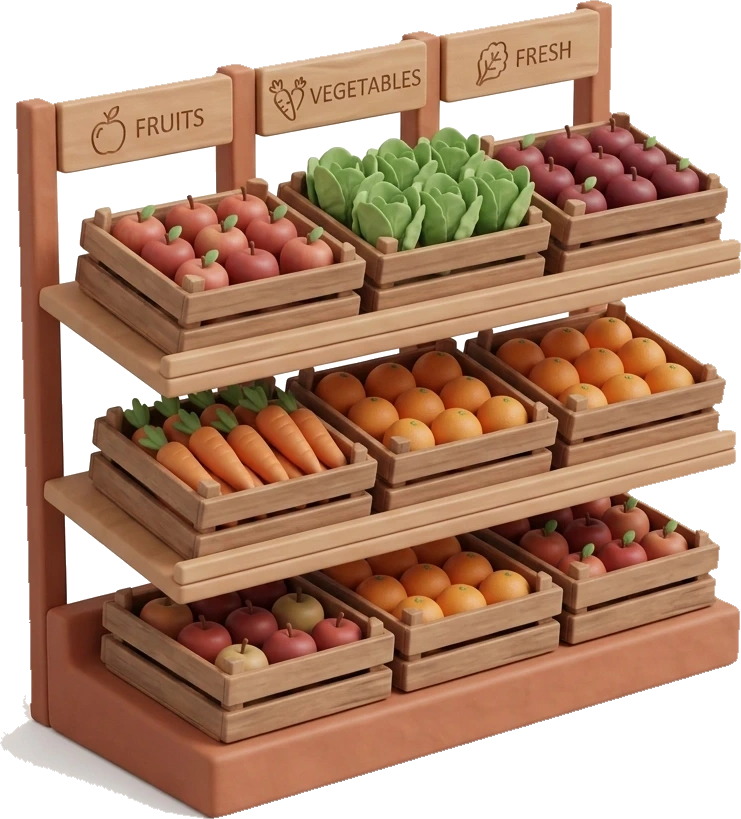
A grocery list records what you need, but it rarely remembers where you will find it. Milk, apples, detergent, and bread stay in the order you thought of them, even when the shelves are at opposite ends of the store.
Start with departments, not aisle numbers
Exact aisle numbers vary between branches and can change after a store rearrangement. Broad departments are more reliable: produce, bakery, dairy, meat, pantry, frozen food, drinks, household, and personal care.
This is specific enough to reduce backtracking without pretending that every branch has the same floor plan.
Put departments in your walking order
Think about the supermarket you use most often. Write down the departments from entrance to checkout. Your trip might start with produce, move through bakery and pantry products, reach refrigerated food later, and finish near drinks.
Another store may be completely different. The useful order is the one that matches your actual walk.
A before and after example
Before: apples, detergent, milk, and a baguette stay in the order they came to mind. That order makes you cross the store more than once.
After: put the same items into a possible walking order such as produce, bakery, dairy, and household. It is only an example. The useful sequence is the one that matches your regular store, so adjust it after a real trip.
Keep the list quick to build
Sorting saves little time if creating the list becomes slow. Automatic category assignment handles that work after you add a product. Voice input is useful while you check cupboards or the refrigerator because several products can be added in one sentence.
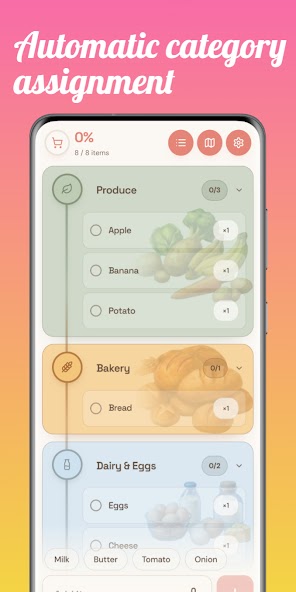
How Shop Route handles store order
Shop Route assigns grocery items to familiar departments. You can choose a representative supermarket layout and change the department order to match the store you use.
The Shopping Map shows only the departments needed for the current list and draws an estimated path from entrance to checkout. It is a planning aid, not verified indoor navigation for a specific branch.
Keep one list for the household
A well-ordered list still becomes outdated when another person keeps groceries in a separate note. Shared lists keep additions and checked products together. Shop Route uses optional accounts for synchronization and shared lists, while the local list works without an account.